Skip to content
0.62.0

Old Slaygent is dead. Long live the new Slaygent.

Slaygent has fully transitioned to bring your LLM key model and introduced pricing that makes sense. One regular run uses 1 credit, and web search uses 3 credits. Additionally, each cell now shows the model it used, the cost, and the tokens in and out.

Four new integrations

Harvest API, Scraping Dog, and Consulti for lead data, plus Aimfox for LinkedIn campaigns.

Execution is now 1000x faster.

Big tables now run faster, and mid-run changes such as swapping out credentials no longer ruin your progress. You can comfortably work on hundreds of thousands of cells.

Improvements

  • Cost tracking now covers every supported AI model.
  • Terminal experience got better: Cmd+Delete removes a line (Mac), Ctrl+Delete removes a word (Mac), and Ctrl+Backspace removes a word (Windows).
  • Slack connection can now upload file attachments.
  • Empty, null, and “not found” all show as “No Response”.
  • Cells can now save large responses from providers.
0.61.0

Fast and less furious

This release brings faster startup, smoother editing across multiple tables, quicker cloud publishing, and overall, a faster experience.

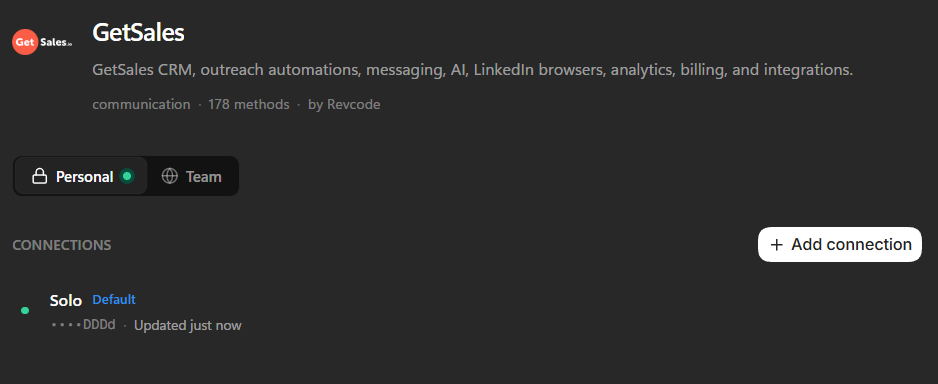
New Integration: GetSales

One of the most requested integrations is now live. You can now connect your GetSales account and start building your LinkedIn campaigns directly from the app.

Bug Fixes

  • Saved view filters now apply immediately.
  • Cell errors no longer show the previous value, and every error now includes a reason for failure.
  • Fixed issues related to team functions.
  • Blank CSV cells now correctly import as EMPTY.
  • Fixed error handling for NaN and Infinity types.
  • Fixed errors affecting auto-run.
0.60.3

Release Notes

Improvements

  • Tables can now have up to 126 computed columns, up from 63. This resolves failures for projects that already exceeded the previous limit.

Fixes

  • When a table sharing job is interrupted, you can now cancel or resume the publication from the UI instead of being stuck with a locked table in a middle state.
  • Function worker start-up on Windows no longer depends on PowerShell and a C# helper for process identity observation; it now uses native system calls.

New, improved look for Revcode

This release made some serious UX/UI changes across the whole app. Buttons, tables, sidebar, and the terminal were redone using a single consistent design pattern. The canvas and sign-in screen got cleaned up too.

Smoother onboarding

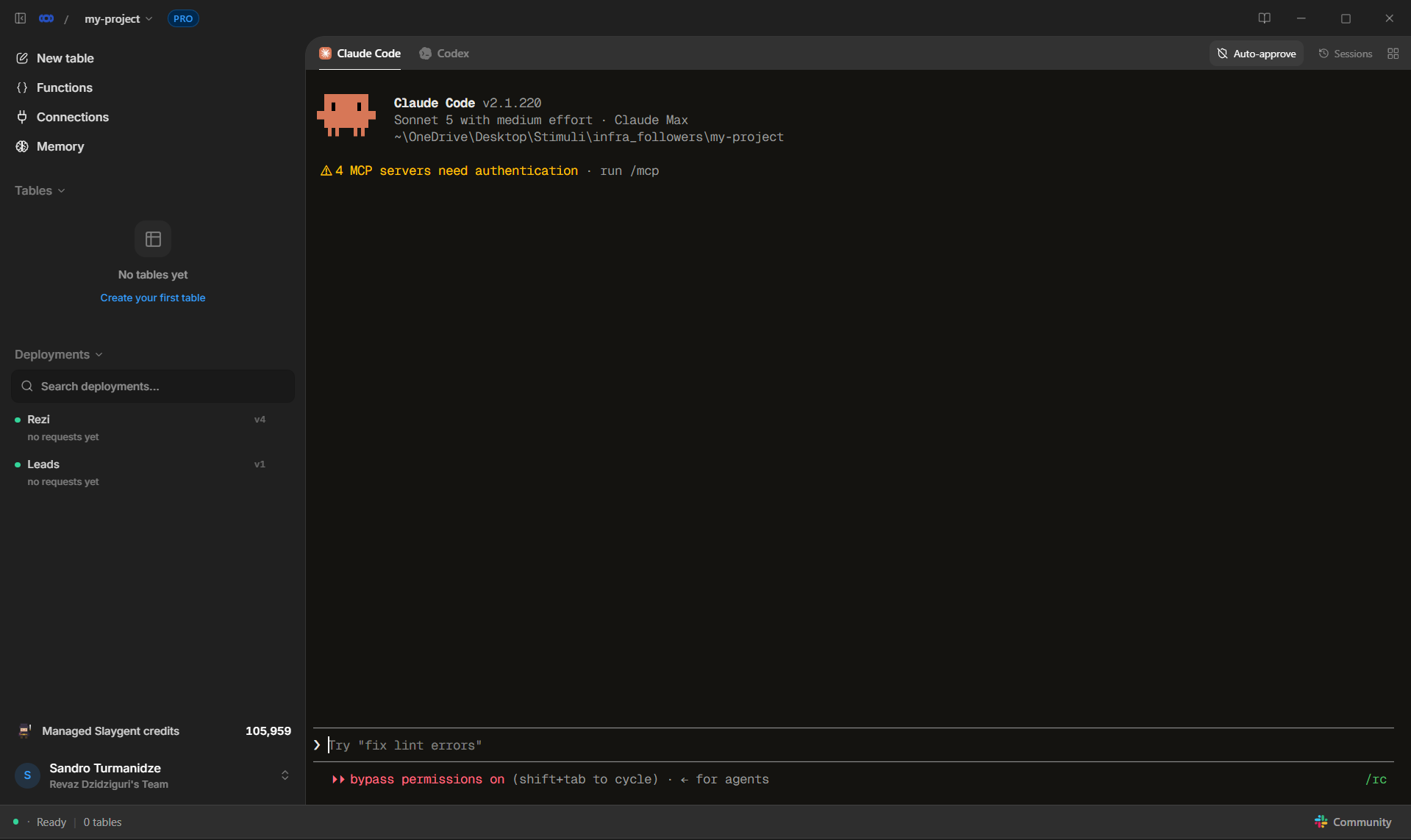
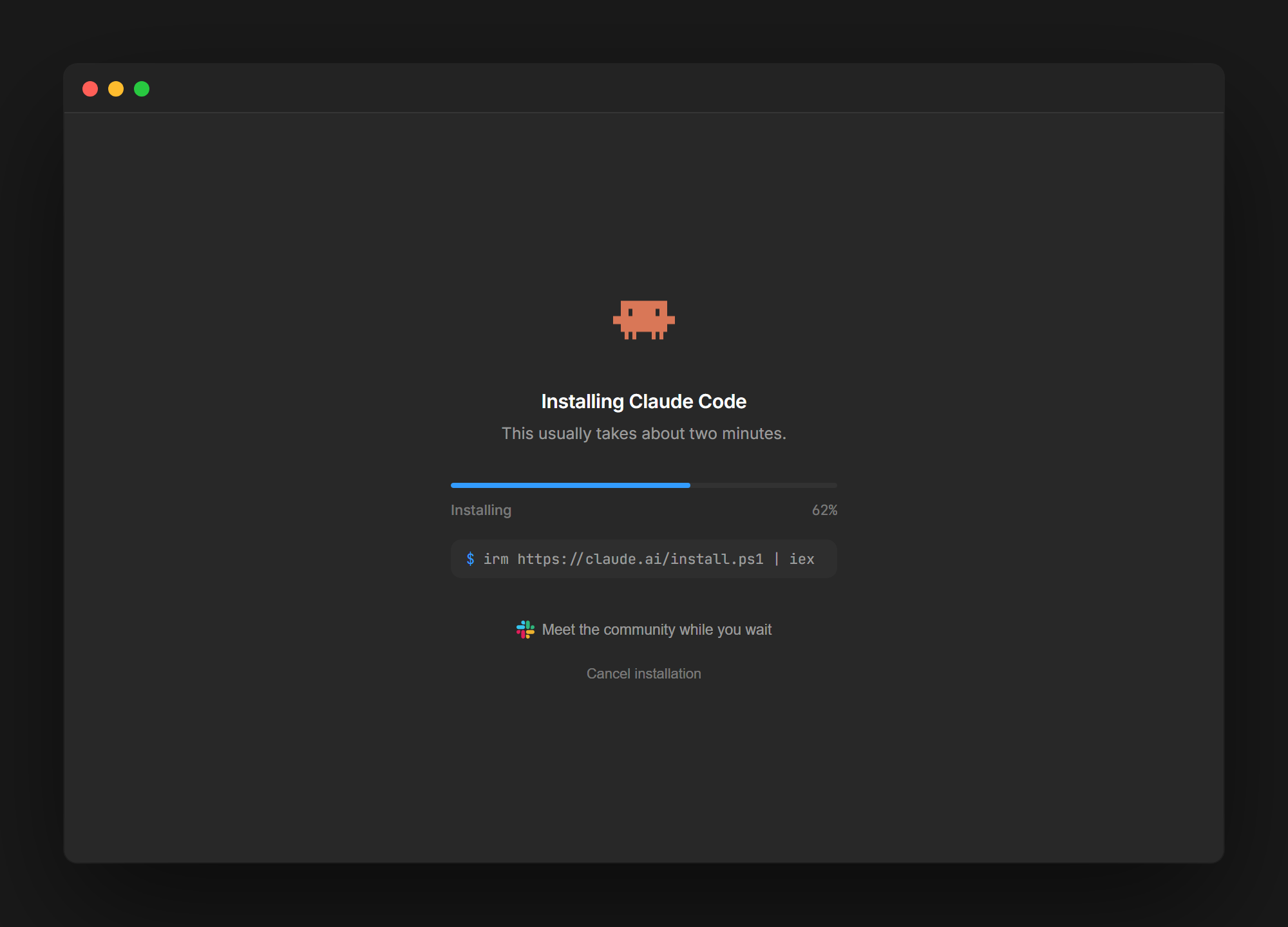
Setting up Revcode for the first time is now smoother. The onboarding shows a live demo of Revcode building a table from a prompt, in real time. You can install Claude Code/Codex in one click, and the agent setup now shows real installation progress.

Local function execution got much faster

A simple function on tens of thousands of records took minutes to execute. After a major refactoring, all locally computed columns (if/else, JSON extraction, etc.) run under 15 seconds.

Bug fixes

  1. Fixed the table occasionally going blank mid-run.
  2. Fixed a bug that caused some users to freeze under heavy use.
  3. Cancelled runs now correctly show as cancelled instead of looking stuck.
  4. Fixed a UI flash when switching between empty tables.
  5. Ingesting datasets with hundreds of thousands of records is now dramatically faster.

Also, the homepage now has a live demo of Revcode building a table from a prompt, in real time. Feel free to check that out.

Creating tables is now simpler and faster

This release focuses on making Revcode easier to set up - specifically on reliable table creation, imports, and addressing issues with integrations.

The table setup flow got much simpler with fewer unnecessary choices and a better CSV import that defaults to bringing in all columns unless you choose otherwise. Templates will now live directly in the table creation flow instead of the sidebar.


Bug fixes:

  1. Reloading the app now keeps you in the same project instead of sending you back to project selection.
  2. Apify enrichments now pick up the correct actors and work properly.
  3. Gemini now works properly through OpenRouter.
  4. Claude Code now correctly displays the cursor.

Cloud 1.0

Per our users' request, we've focused on the functionality of cloud deployments.

You can now synchronize hosted tables and changes made to them with your team. Cloud-hosted tables load and run faster and more reliably. The results remain stable and visible across deployment updates, with smoother loading and fewer display issues.

Bug fixes:

1. Large imports now survive app restarts, and messages accurately reflect app updates rather than falsely claiming the "writer is busy." 2. Resolved a Windows 10 bug where the app rendered as completely invisible - now it works smoothly even on the older versions of Windows. 3. The new release prevents "Not Responding" freezes on the initial launch and reduces response times from 15 seconds to under two seconds with a clearer setup guide.

Revcode is now more reliable for imports, AI columns, and everyday table work.

AI prompts

Slaygent and AI column prompts are shown in a more human-readable way.

You can now edit the prompt directly inside the box.
Revcode is now verified on Windows

Windows no longer shows Revcode as an unverified application, so installation and launch are more straightforward.

Bug fixes

1. Manual table filters now narrow down rows correctly. 2. Tables now load more reliably, rather than briefly appearing empty or showing an “Unable to load rows” message. 3. AI columns can now correctly use team credentials when creating or updating computed fields. 4. CSV imports no longer remove an entire row when one cell does not match the selected field type.

Rickle got a full rebuild

Rickle is now powered by a much more capable, fully autonomous agent engine. It can do anything for you - build tables, write and run enrichment columns, source lists - whatever you want, just ask it.

Slaygent has been integrated natively into Revcode

Slaygent is now a native Revcode feature, not an extension you have to configure. You can drop in a prompt like "find this company's latest funding round," and it runs real AI web research on every row. You can try it for free once you sign up for a Revcode free trial.

Connect HubSpot in one click

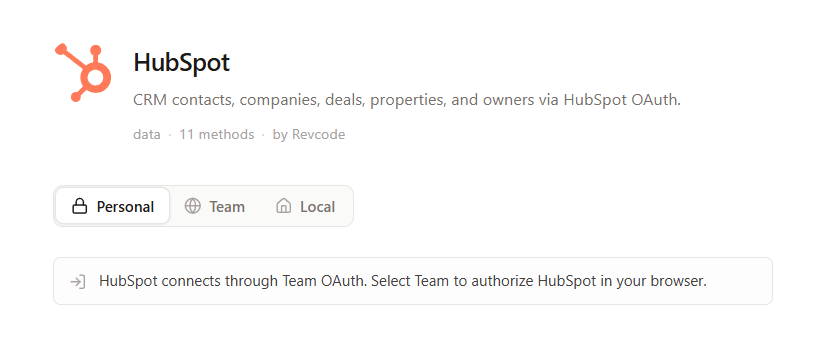
You can now natively connect to HubSpot. Now you can work with your leads and your CRM data from one place.
Revcode Credits

Introduced a new credit system - instead of going to separate data providers and buying subscriptions from them, Revcode credits enable you to try out different providers (starting with Slaygent for now). You can also try that out for free inside a Revcode free trial.

New data providers

We added one new enrichment provider: A-Leads. Will be adding more of those based on the community's request.

Bug fixes

  1. Big tables and imports - you can work with tens of thousands of rows without any problem.
  2. Runs now recover automatically - if something goes wrong, it recovers and keeps going instead of leaving your columns stuck half-finished.
  3. Accurate row counts and progress -  Filtered tables now show correct row counts, so you know what you're actually working with.

One more minor feature: You can resume your Claude & Codex sessions from the dropdown above the terminal.